
A structured workflow for getting new properties from contract signed to live on your books. Collect property details from owners, coordinate your team across marketing, setup, and go-live, and track every step along the way.
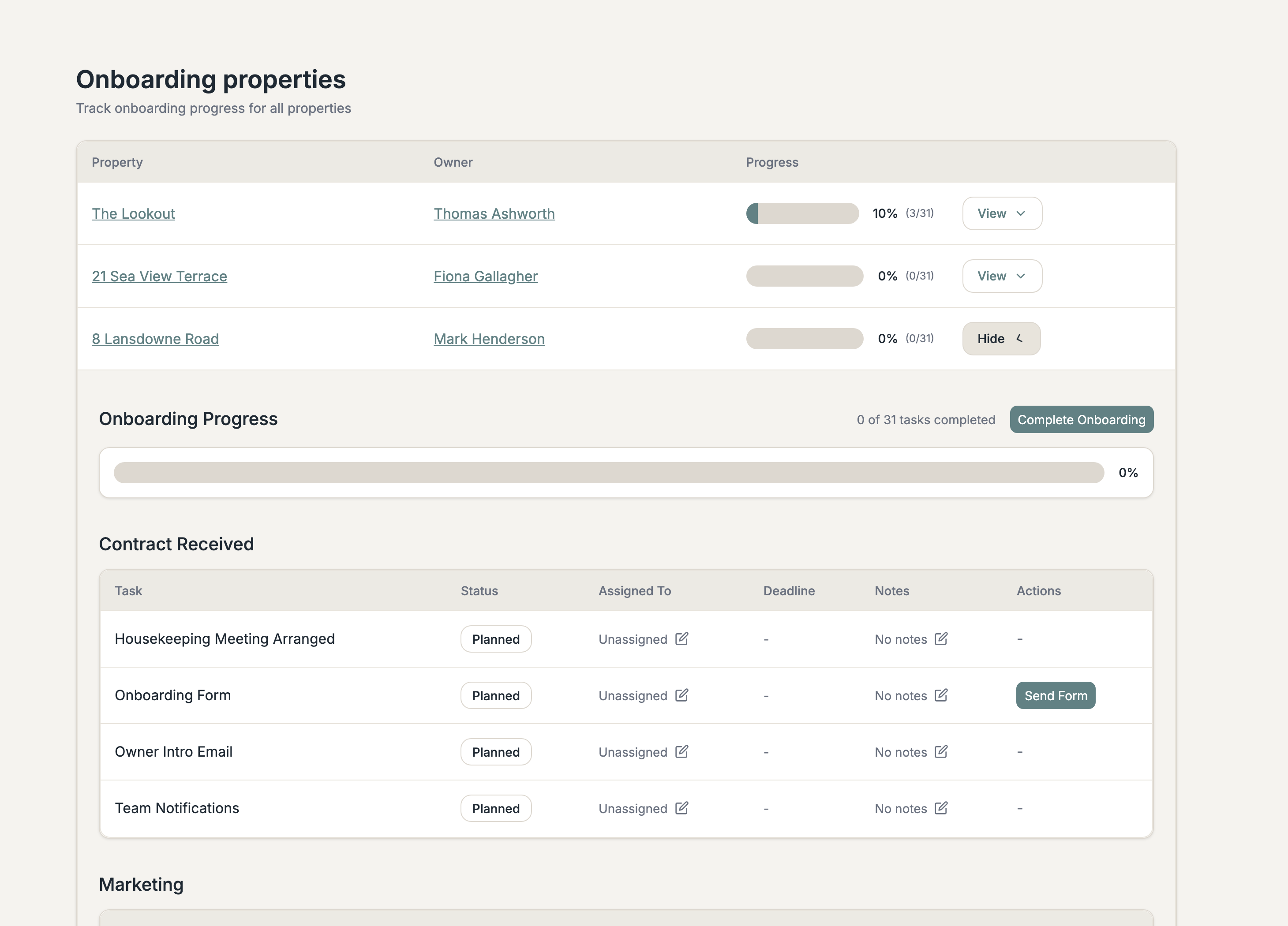
A structured workflow from contract received through to go-live. Every step tracked, nothing forgotten.
Assign tasks to individual team members. Everyone knows what they're responsible for and when it's due.
100+ field form owners fill in themselves. Bedrooms, WiFi, keys, utilities, hazards, tradespeople, across 20+ sections.
Enable or disable tasks to match your process. Customise the owner form with your own sections and questions.
From contract signed to live on your books
A new owner signs. Foundations creates the onboarding workflow automatically. Notify the team, send the owner intro email, arrange the housekeeping meeting, and send the property information form.
Marketing writes copy and arranges photography. Setup gets the property into your PMS and third-party sites. Changeover arrangements are confirmed. Each task is assigned to a team member with a deadline.
Listing, photos, and copy are signed off. The owner reviews and approves. The property goes live on your website and third-party sites. Every step is tracked so you know exactly where each property stands.
Each phase contains tasks you can assign to your team
Team notifications, owner intro email, housekeeping meeting, onboarding form sent.
Property copy, photos and video, social media launch.
PMS set up, third-party sites set up.
Quote confirmed, changeover confirmed.
Listing, photos, and copy sign-off. Owner link sent. Owner sign-off.
Go live for bookings on web and third-party sites. Owner introduction.
100+ fields across 20+ sections, filled in by the owner
Max guests, bedrooms, bathrooms, property type, accessibility
Bed types, linen, sitting room, dining arrangements
Appliances, heating, hot water, broadband, TV, energy suppliers
Network name, password, key safe codes, access instructions
Garden, parking, hot tubs, BBQ, external storage
Pet policy, smoking, parties, noise restrictions
Water features, steps, low beams, open fires, specific risks
Plumber, electrician, locksmith, septic tank provider, cleaner